Download The Bagsta App
Add Bagsta to your phone for a cleaner, quicker way to track challenges while you are out bagging places.
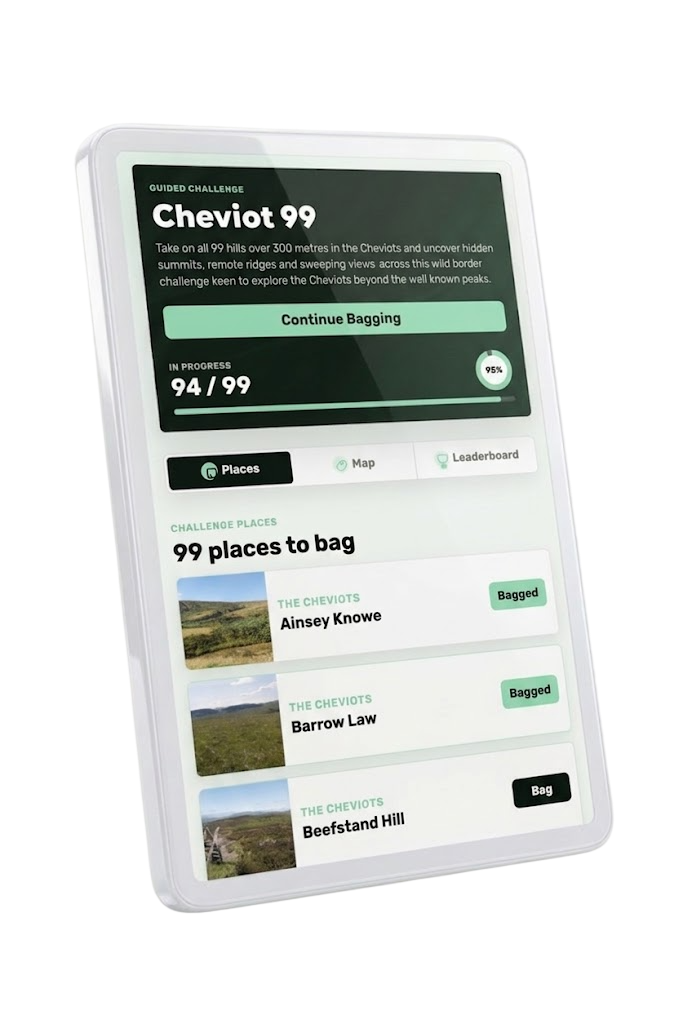
The app version strips things back to the bits you need on the move: your challenges, your progress, the place list, maps, leaderboards, and quick bagging.
Open this page on your phone to install Bagsta.
Find Your Challenges
Open straight into your challenge list, with in-progress challenges first so you can get moving faster.
Bag Places Quickly
Tap a place, check where it is, open it in Google Maps, and bag it without digging through the full website.
Keep Progress Synced
If your signal drops, Bagsta can hold bagging changes and try again when your connection comes back.
Built for bagging mode
The main Bagsta website is still there for browsing challenges, reading guides, and checking things on a bigger screen. The app mode is tighter and simpler, designed for when you are already out and just need the important bits.
You can still log in, view challenges, check maps, follow leaderboards, and update your profile. It just feels more like something that belongs on your home screen.
Installing on Android
Tap Install On Android. If Chrome can install Bagsta directly, you will see the install popup.
If no popup appears, open the browser menu and choose Install app or Add to Home screen.
Installing on iPhone
Open this page in Safari, tap the Share button, then choose Add to Home Screen.
Apple does not let websites open the install popup directly, but the home screen icon will open Bagsta in app mode.